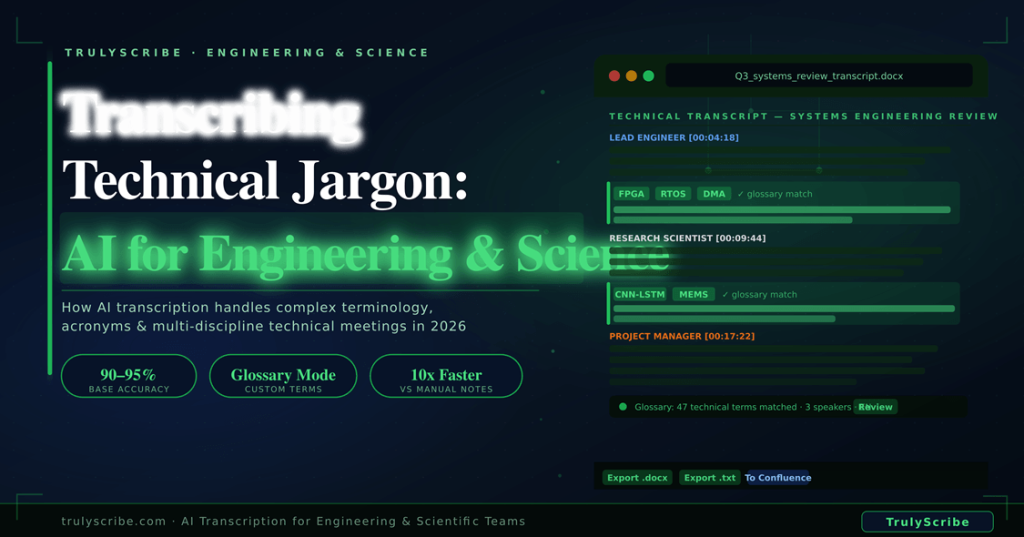
Transcribing Technical Jargon: AI Solutions for Engineering & Scientific Meetings (2026)
Ask any engineer or research scientist what they do after a complex technical meeting and the answer is almost always the same: spend the next 30 minutes trying to reconstruct what was discussed from a combination of hurried notes, half-remembered decisions, and a growing anxiety that the most important detail was the one they didn’t write down. Technical meetings are among the most information-dense conversations that happen in any organisation. A 60-minute design review might cover materials selection with specific tolerance values, software architecture decisions referencing particular framework versions, test protocols with precise procedural steps, and cross-disciplinary debates where three different teams are each using their own vocabulary for the same concept. The person responsible for writing the meeting notes is simultaneously trying to follow the technical argument, understand its implications, and capture it accurately — an impossible multi-task under any conditions. AI transcription has become a practical tool for engineering and research teams in 2026. But the question these teams ask more than any other is: can it actually handle our vocabulary? Our acronyms? Our model names and compound identifiers and IUPAC notation? The honest answer is: better than you expect, with some important caveats — and with the right review workflow, extremely well. This guide covers everything technical teams need to know about using AI transcription for complex meetings in 2026: where it works, where it struggles, how to prepare for technical vocabulary, and the review workflow that maximises accuracy for high-stakes technical documentation. Why Technical Meetings Are Especially Hard to Document Technical meetings have a unique documentation challenge that goes beyond simple note-taking difficulty. Several compounding factors make them particularly hard to capture accurately: Density of specialised vocabulary A typical engineering or research meeting might contain dozens of acronyms, product identifiers, chemical compound names, model designations, and standard references that have no meaning outside a specific discipline or even a specific project. An AI transcription model trained on general-purpose speech has seen a broad vocabulary — but it may not have encountered the specific combination of terms that makes your team’s meetings unique. This is the single most important factor in AI transcription accuracy for technical teams, and it is also the most addressable with the right preparation workflow. Phonetically ambiguous terminology Technical language is full of terms that sound similar to common words or to each other. An AI model hearing “FPGA” for the first time in context might render it as “EF-PGA” or something phonetically similar but wrong. A compound like “CMOS sensor” might be heard as a common word combination that makes contextually plausible but technically incorrect sense. Single-letter prefixes on SI units (milli-, micro-, nano-) can be lost or confused in fast speech. Multi-discipline team vocabulary divergence Cross-functional technical meetings — a software architect, a mechanical engineer, a project manager, and a client stakeholder all in the same call — involve participants using different vocabularies for the same concepts. The software engineer says “latency,” the mechanical engineer says “response time,” and the client says “lag.” An accurate transcript preserves what each person actually said; a bad set of notes homogenises these distinctions away. High-stakes accuracy requirements In engineering and science, inaccuracy in documentation is not a minor inconvenience — it can have material consequences. A misrecorded tolerance value in a design review transcript. A wrong version number in a software architecture decision record. A confused chemical notation in a lab debrief. These are not typos; they are potentially significant errors that need to be caught and corrected before the document is relied upon. This is why AI transcription for technical teams requires a more structured review process than transcription for general business meetings — and why understanding what AI handles well vs what requires specific human review is critical. 6–10 hrs per week that the average engineer or scientist spends on manual note-taking, documentation, and meeting follow-up 40% of action items from technical meetings are not completed because they were not accurately captured in meeting notes 90–95% baseline accuracy of modern AI transcription on clear audio — even for technical content with specialist vocabulary Technical Jargon by Discipline: What AI Transcription Faces Discipline Typical Jargon Challenges Examples AI Must Handle Mechanical Engineering Material specs, tolerance notation, CAD tool names GD&T, ANSI/ISO standards, FEA, CNC, SPC Software Engineering Framework names, version strings, acronym-heavy protocols CI/CD, Kubernetes, GraphQL, REST API, OAuth 2.0 Electrical Engineering Component identifiers, circuit terminology, unit prefixes MOSFET, PWM, ADC, FPGA, BJT, THD, EMI/EMC Biomedical / Life Sciences Latin nomenclature, gene symbols, assay names CRISPR-Cas9, PCR, ELISA, mRNA, VEGF, qRT-PCR Chemistry / Materials Science Compound names, IUPAC notation, reaction types XRD, SEM-EDX, TGA, PDMS, ZnO nanoparticles Aerospace & Defence System designations, MIL-SPEC codes, test protocols MIL-STD-461, ARINC 429, DO-178C, ADS-B, TRL Data Science / AI Research Model architectures, metric names, framework terms LSTM, transformer, BLEU score, PyTorch, fine-tuning Environmental / Earth Science Measurement protocols, species nomenclature, GIS terms NDVI, LiDAR, Sentinel-2, GHG flux, VOC, PM2.5 * The examples above are illustrative of common terminology types by discipline. AI transcription accuracy on specific terms varies based on audio quality, accent, and whether terms appear in the training corpus. The glossary workflow described later in this guide addresses terms that the AI may not handle correctly by default. What AI Transcription Handles Well in Technical Meetings Before addressing the limitations, it’s important to be accurate about what modern AI transcription does well in technical contexts — because the starting point is significantly stronger than most engineers and scientists expect. Widely-used technical terminology AI transcription models are trained on enormous corpora of text and audio, including a large proportion of technical and scientific content. Widely-used acronyms and terms from major disciplines are well-represented in training data. Terms like API, CPU, machine learning, RNA sequencing, finite element analysis, Agile, neural network, spectroscopy, and hundreds of others from mainstream engineering and science disciplines are transcribed accurately in the vast majority of cases. The challenge arises with niche or project-specific terminology, not with the broad technical vocabulary