

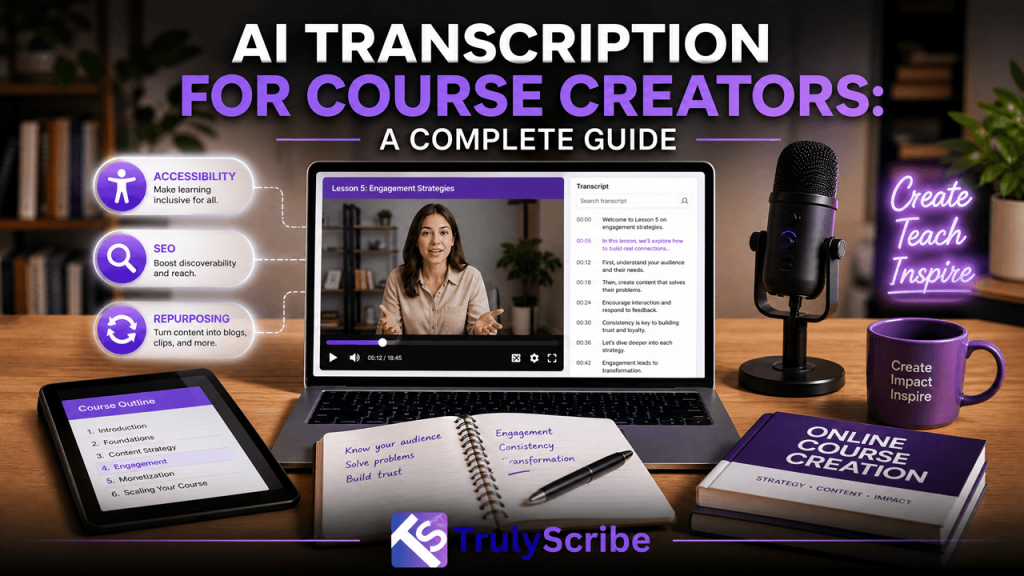
AI Transcription for Course Creators: A Complete Guide
Every hour of recorded course content is really two products in disguise: the video or audio lesson students watch, and a second, invisible product hiding inside it — the exact words, explanations, and examples that make the lesson work. Most course creators only ever ship the first product. The moment a lesson is transcribed, the second product becomes usable too: searchable notes, accessible captions, repurposed blog and social content, translated versions for new markets, and text that search engines and AI assistants can actually find. This guide covers why transcription belongs in every course creator’s workflow, and exactly how to use it well. Why Transcription Matters More for Courses Than for Most Other Content Course content carries a heavier burden than most video or audio. Students don’t just consume it once for entertainment — they return to it, search it, quote it in assignments, and rely on it to actually learn something. That changes what “good content” requires. A podcast episode can get away with being listen-once and forgettable. A course lesson on database indexing or conversational Spanish grammar has to be findable, referenceable, and reviewable weeks later, often right before a deadline or an exam. Video and audio alone make that hard. A student who half-remembers “the part where the instructor explained foreign keys” has no way to jump there without scrubbing through footage. A transcript turns that same lesson into something a student can search by keyword, skim before a test, or copy a definition from directly into their own notes. That alone changes how usable a course feels, independent of anything else transcription adds. What AI Transcription Actually Gives Course Creators 1. Accessibility and compliance Accurate captions and transcripts make courses usable for deaf and hard-of-hearing students, students with processing differences who benefit from reading alongside listening, and non-native speakers who follow written text more easily than fast spoken English. For creators selling into institutions, corporate training programs, or any market with accessibility requirements, this isn’t optional — it’s frequently a purchasing prerequisite. 2. Better learning outcomes Research on learning consistently shows that pairing audio with synchronized text supports comprehension and retention better than audio alone, particularly for complex or technical material. Students can read along at their own pace, re-read a confusing sentence without replaying a whole video segment, and highlight or copy key passages directly — all of which support the kind of active engagement that improves retention. 3. Searchable course content Once a lesson has a transcript, students can search across an entire course for a specific term, example, or explanation instead of guessing which module covers it. For longer courses with dozens of lessons, this single feature can meaningfully reduce support questions and student frustration, since “where did the instructor mention X” becomes a search instead of a support ticket. 4. SEO for course marketing pages Course sales pages and free preview lessons that include full transcripts give search engines far more indexable, topic-relevant text to work with than a title and short description alone. The specific, natural language used while teaching — the exact phrases and questions an instructor addresses — often matches how prospective students actually search, which can help course pages surface for long-tail, high-intent queries. 5. Repurposing into new content A single transcribed lesson can become the raw material for a blog post, an email newsletter section, social media clips with captions, a downloadable PDF study guide, or an FAQ page — all without re-recording anything. For creators producing content across multiple channels, this turns each recorded lesson into several pieces of marketing and support content instead of just one. 6. Translation and global reach A clean transcript is also the fastest starting point for translating a course into another language, either through professional translators or AI-assisted translation. Translating accurate text is far faster and more reliable than trying to translate directly from audio, and it opens a course to markets the original recording was never built for. A Step-by-Step Transcription Workflow for Course Creators Where Transcripts Fit Across the Course Creation Lifecycle Common Mistakes Course Creators Make With Transcription What to Look for in a Transcription Tool for Course Content Not every transcription tool is built with course creators in mind, and a few features matter more here than they would for casual, one-off use. This is precisely the combination TrulyScribe is built around: fast, unlimited AI transcription with automatic speaker labeling, broad language support, and export options like DOCX and PDF, all inside an editor that makes reviewing technical terms against the original recording straightforward. For a course creator sitting on a growing library of lessons, that combination is what turns transcription from an occasional task into something that can realistically run alongside regular content production. Final Thoughts For course creators, transcription isn’t a side feature — it’s closer to a second, higher-leverage version of every lesson already recorded. It makes courses more accessible, more effective to learn from, easier to search and support, more discoverable by prospective students, and far easier to repurpose and translate. None of that requires recording anything new; it just requires turning what’s already been taught into text that students, search engines, and future course updates can all make use of. Tools like TrulyScribe make that step fast enough to build into a regular production workflow rather than a special project, which is really what it takes to get the full value out of transcription across an entire course library instead of a handful of lessons. Frequently Asked Questions (FAQs)