

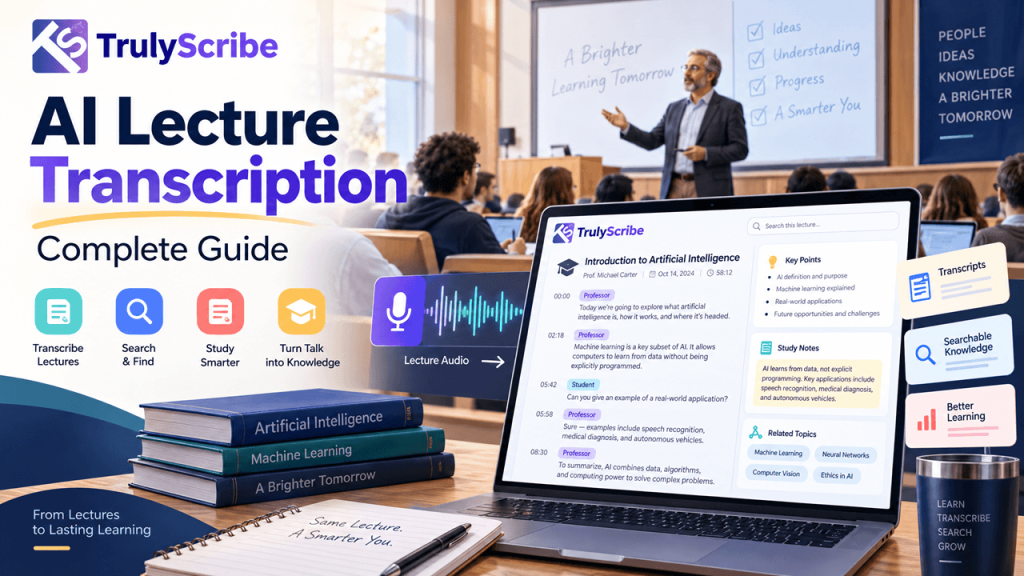
AI Lecture Transcription: Complete Guide
Anyone who has sat through a fast-moving lecture knows the dilemma: write everything down and risk missing the explanation, or listen closely and realize later that your notes have gaps. Add a strong accent, a poor microphone, a technical term you have never heard before, or a language that is not your first, and the problem gets even harder. AI lecture transcription removes that trade-off. By converting recorded lectures into accurate, searchable text, it lets students concentrate in class and revisit the material properly afterward, and it gives educators a faster way to create accessible, reusable course content. This complete guide explains how it works, who benefits, a step-by-step study workflow, tips for better accuracy and how TrulyScribe fits in. Key Takeaways What Is AI Lecture Transcription? AI lecture transcription uses speech-recognition technology to turn the audio or video of a lecture, whether in person, online or recorded for later, into written text. A good transcript includes timestamps, so you can jump to the moment a concept was explained, and clear punctuation, so it reads like a document rather than a wall of words. An editor then lets you correct names, terms and numbers against the original recording. It is different from traditional note-taking. Notes capture what you chose to write down; a transcript captures what was actually said. Many students use both: the transcript as a complete reference, and their own notes and highlights as the layer of understanding on top. New to the technology? Our beginner’s guide explains what AI transcription is and how it works. Why Transcribe Lectures? 1. Listen first, write later When you are not racing to keep up, you absorb more. Students can listen actively, ask questions and follow the reasoning, knowing the full text will be available afterward. 2. Never miss a detail Definitions, examples, dates, names and deadlines mentioned in passing are easy to lose. A transcript preserves them, including the offhand hint about what will appear on the exam. 3. Learn at your own pace Reading is often faster than replaying audio, and you can slow down on difficult sections. This is particularly valuable for international students and anyone studying in a second language, who can read along while listening and look up unfamiliar words. 4. Search instead of scrubbing through recordings Searching a transcript for a keyword takes seconds. Scrubbing through an hour of video to find one explanation can take much longer, especially during revision. 5. Support accessibility Transcripts and captions help students who are deaf or hard of hearing, as well as those with attention or processing differences, access the same content as everyone else. For institutions and course creators, they also support accessibility requirements. See our guide to video transcription and accessibility for more. 6. Turn one lecture into many resources A single transcript can become a summary, a study guide, flashcards, an FAQ, a blog post or subtitles. Educators and course creators can repurpose the same material across formats without starting from scratch. Who Benefits from Lecture Transcription? Who How they use lecture transcripts Main payoff Students Review recordings, search for topics, build summaries and revision notes Better understanding and faster exam prep International / ESL students Read along with the audio and look up unfamiliar terms Easier comprehension at their own pace Students needing accessibility support Use captions and transcripts alongside or instead of audio Equal access to lecture content Teachers and professors Create notes, handouts, FAQs and accessible course materials Less admin and more reusable content Course creators and coaches Turn webinars and lessons into blog posts, guides and subtitles Wider reach from one recording Institutions Archive lectures and support accessibility requirements Searchable knowledge base and compliance support A Step-by-Step Workflow for Transcribing Lectures For more study ideas, see our guide to AI transcription for students. How to Get More Accurate Lecture Transcripts AI transcription is impressive, but lectures are a demanding use case: long recordings, distant speakers, shared rooms and specialized vocabulary. These habits improve results: Lecture Transcription for Educators and Course Creators Teachers, professors and online course creators can use transcripts to work smarter: Multilingual Lectures and International Students Universities and online platforms serve students from many countries, and lectures often mix languages, accents and technical terms. A transcription tool with broad language support helps students follow along and lets instructors reach a wider audience. TrulyScribe supports 100+ languages, and our article on multilingual AI transcription shares tips for reliable results across accents and dialects. Choosing the Right Tool for Lecture Transcription Different tools suit different needs. This table shows how common options compare for lecture work: Tool Category Best for lecture work TrulyScribe Transcription platform Accurate, timestamped transcripts of recorded lectures in 100+ languages, with an editor and DOCX/PDF export Otter.ai AI notetaker Live transcription of lectures and meetings, with shareable notes Notta AI notetaker / transcription Recording and transcribing in many languages, with summaries Rev AI plus human transcription Human-verified transcripts when every word must be exact Sonix Transcription and translation Browser editor and translation for international content Descript Audio and video editor Course creators who also want to edit recordings by editing text Features and pricing change often, so confirm current details on each vendor’s website before you decide. When comparing, look at accuracy on your own recordings, how long files can be, language support, the editor, export formats and the pricing model. Students on a budget will usually prefer a generous free tier or an unlimited plan over paying per minute. For a wider market view, read our roundup of the best AI transcription tools in 2026 and our comparison of TrulyScribe vs Otter AI vs Descript, or see our guide to Notta alternatives. How TrulyScribe Supports Lecture Transcription TrulyScribe is built to turn audio and video into accurate, usable text, which is exactly what lecture recordings need. Here is what that looks like in practice: TrulyScribe focuses on transcribing recordings you already have, so it works alongside whichever video platform or recording device you use. If