

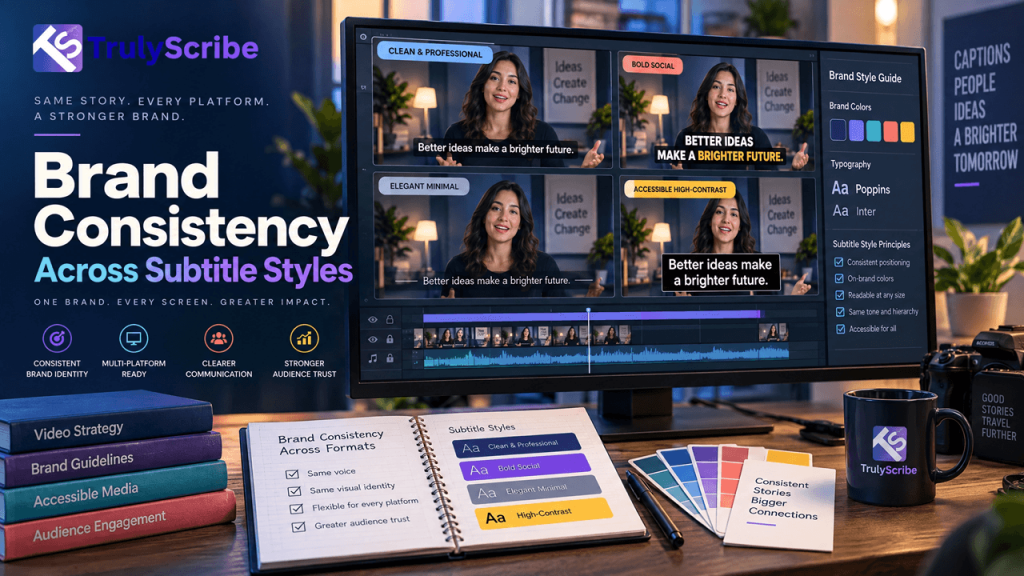
How to Maintain Brand Consistency Across Subtitle Styles
Key Takeaways Most brand style guides cover logos, color palettes, and typography down to the pixel, and then say nothing at all about subtitles — even though captions are one of the most frequently seen pieces of branded text a company puts out. That gap shows. A brand might run four different caption styles across YouTube, Instagram, LinkedIn, and a webinar platform without anyone noticing, because subtitles have historically been treated as a utility, not a design asset. That’s a real gap in 2026, because so much video is now watched without sound. Research from Verizon Media and Publicis Media, still the most frequently cited benchmark on this behavior and covered at the time by Forbes, found that 69% of people watch video with the sound off in public places and 25% do so even in private, while 80% say they’re more likely to watch a video all the way through when captions are available. The study is a few years old now, but its findings remain the standard reference point in the industry, which tells you something on its own: for a huge share of viewers, the caption text isn’t a backup, it’s the primary way they experience your content. If that’s true, subtitle styling deserves the same consistency as every other visible piece of your brand. Here’s how to actually build and maintain that. Why Subtitle Consistency Is a Brand Issue, Not Just a Production Detail Captions, Subtitles, Open, and Closed: Getting the Terms Right First These terms get used loosely, but a style guide needs them precise. According to the W3C’s Web Accessibility Initiative, captions include the spoken dialogue plus relevant non-speech information, like “[phone ringing]” or who’s speaking when it isn’t obvious — built primarily for viewers who are deaf or hard of hearing. Subtitles typically assume the viewer can hear the audio and just need the dialogue translated or displayed, without the non-speech cues. Closed captions can be turned on or off by the viewer; open captions are burned into the video and always visible. Each combination has different styling constraints — closed captions on YouTube inherit some of the viewer’s own display preferences, while burned-in captions on a TikTok or Instagram Reel are entirely under your control, which is exactly why they need a documented style, not an improvised one video to video. The Core Elements of a Subtitle Style Guide Element What to Standardize Why It Matters Font family & weight One primary typeface, consistent weight Prevents a different “feel” video to video Color & contrast Text color, outline/shadow, background box Readability across light and dark footage Positioning Consistent placement (usually lower third) Viewers learn where to look automatically Line length & breaks Character limit per line, logical phrase breaks Easier reading, matches accessibility norms Capitalization Sentence case vs. all caps, picked once Avoids a jarring style shift between videos Punctuation conventions Ellipses for trailing off, italics for off-screen speech Consistent meaning signals for viewers Speaker labels Format for identifying who’s speaking Clarity in interviews, panels, multi-host videos Branding elements Logo or watermark placement relative to captions Prevents overlap and visual clutter None of these choices need to be elaborate. The goal is picking each one deliberately, once, and documenting it — not reinventing the format on every new video or letting it default to whatever a particular editor or tool happens to output. The Platform-by-Platform Challenge A single consistent style is harder to maintain than it sounds, because every platform handles captions differently. Platform Caption Behavior Branding Implication YouTube Closed captions; viewers can customize font/size Still publish a styled, burned-in option for clips and shorts Instagram / TikTok Captions almost always burned in Full control over styling — the format most worth standardizing first LinkedIn Native captions often default to a plain system style Burned-in captions needed to preserve brand look Webinars / e-learning Closed captions via SRT/VTT, played in various players Style guide should specify a fallback look for player defaults Broadcast / TV Often follows strict closed-caption technical standards Branding takes a back seat to compliance requirements here The practical takeaway: you’ll rarely get pixel-identical captions everywhere, and that’s fine. The goal is a consistent core — same font family, same color logic, same tone — adapted sensibly to what each platform actually allows, rather than a different, unrelated style invented for each one. Why Consistency Starts With the Transcript, Not the Styling Visual styling gets most of the attention, but a surprising amount of caption drift actually starts upstream, in the transcript itself. If one video’s transcript capitalizes a product name correctly and another doesn’t, if one uses an em dash for an interrupted sentence and another just trails off, if speaker labels are formatted differently from one interview to the next — those inconsistencies carry straight through into the final captions, no matter how carefully the visual style is applied on top. This is why a documented approach to transcription matters as much as a documented approach to fonts and colors. A transcript that consistently applies your house style for punctuation, capitalization, and speaker labeling gives every downstream caption — on every platform — the same editorial foundation to build from. Building Your Subtitle Style Guide, Step by Step Common Mistakes in Subtitle Branding Where TrulyScribe Fits Into This Workflow TrulyScribe handles the upstream half of this problem: producing accurate, consistently punctuated, speaker-labeled transcripts that give every caption across every platform the same editorial foundation to start from. Its built-in editor lets you standardize brand terms and speaker-label formatting before export, and it exports directly to SRT and VTT — the formats most captioning and video tools use to apply your visual style on top. Because the same accurate transcript can feed YouTube captions, burned-in social clips, and e-learning subtitles alike, teams get a consistent starting point across every platform instead of regenerating captions separately, and often inconsistently, for each one. This pairs naturally with broader accessibility compliance work and with multilingual subtitle workflows, where the same