
If you search Reddit for “best AI transcription tool,” you’ll see the same questions repeated:
- What’s the most accurate AI transcription software?
- Is there a good free AI transcription tool?
- Which app handles multi-speaker interviews well?
- What works for long recordings without crashing or cutting off?
In 2026, AI transcription has improved dramatically — but not all tools are built for the same use case.
In this guide, we break down:
- What matters most in AI transcription today
- Which tools work best for different needs
- How to choose the right tool
- Where TrulyScribe fits in
What to Look for in the Best AI Transcription Tools
Before choosing a transcription tool, focus on these core features:
1. Accuracy (Even in Noisy Audio)
Modern AI models can reach high accuracy — but real-world conditions matter:
- Background noise
- Multiple speakers
- Accents
- Fast-paced conversations
The best tools use advanced speech recognition models trained on diverse datasets.
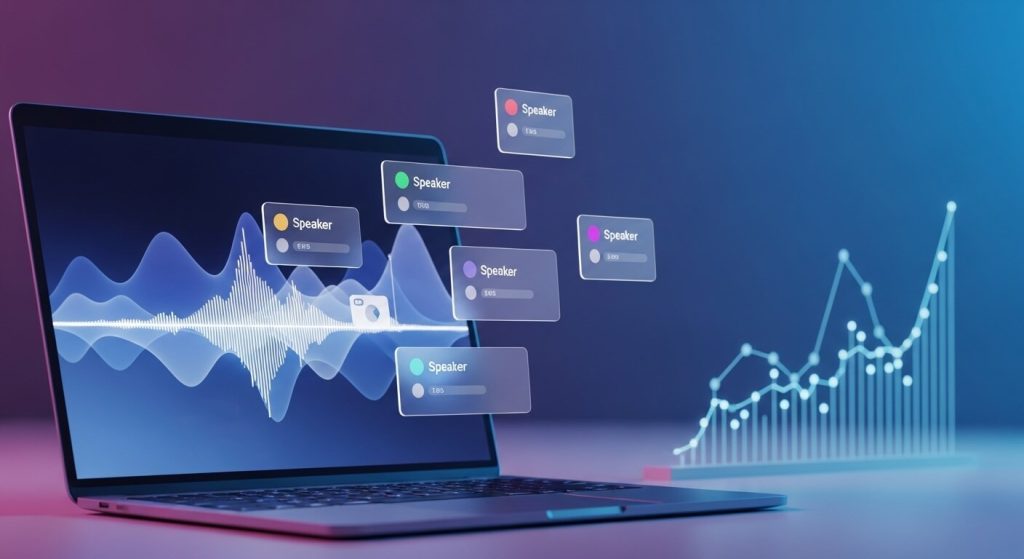
2. Speaker Identification (Diarization)
For:
- Podcasts
- Interviews
- Meetings
- Research recordings
You need multi-speaker transcription with clear speaker labels.
Poor diarization = unusable transcript.
3. Long Audio Support
Many free tools struggle with:
- 1+ hour recordings
- Large file uploads
- Memory limits
If you regularly transcribe webinars, lectures, or long meetings, this becomes critical.
4. Pricing & Free Tiers
Reddit users frequently ask:
“Is there a reliable free AI transcription tool?”
Most free tools:
- Limit minutes per month
- Restrict file size
- Add watermarks
- Reduce export options
Free is great for testing — but serious workflows usually require scalable pricing.
5. Editing & Export Options
Look for:
- Editable transcripts
- Search within transcript
- Copy / export (TXT, DOCX, SRT)
- Timestamp controls
A good editing interface saves hours.
Best AI Transcription Tools by Use Case (2026)
Instead of ranking tools blindly, here’s what works best for different needs.
🎤 Best for Interviews
Interviews require:
- Accurate speaker labels
- Clean formatting
- Easy editing
For journalists, researchers, and content creators, tools that balance accuracy + usability are ideal.
If you’re conducting frequent interviews, a platform like TrulyScribe offers:
- Multi-speaker detection
- Structured transcripts
- Easy export formats
- Clean editing interface
This makes it suitable for interview-heavy workflows.
🧑💼 Best for Meetings & Team Workflows
Meeting transcription tools must handle:
- Overlapping speakers
- Business terminology
- Long durations
Many AI tools struggle when conversations overlap.
TrulyScribe is particularly useful when:
- You need longer recordings processed reliably
- You want structured output
- You need fast turnaround
🎙️ Best for Multi-Speaker Recordings
Reddit users consistently ask:
“Which AI tool handles long multi-speaker transcription best?”
The answer depends on:
- Speaker separation quality
- Transcript formatting
- Editability
TrulyScribe supports multi-speaker transcription, making it practical for:
- Podcasts
- Panel discussions
- Group interviews
💸 Best Free AI Transcription Tools
If you’re testing:
Free tools can work for:
- Short clips
- Clean audio
- Basic transcription
But expect limitations:
- File caps
- Lower reliability
- Minimal editing features
For professional or recurring needs, scalable tools like TrulyScribe offer more consistency.
📚 Best for Long Audio Files (Webinars, Lectures, Archives)
Archivists and researchers often ask:
“What works for long voice recordings?”
The key factors:
- Stability with large files
- No arbitrary cutoffs
- Reliable export
If your workflow includes 60–120 minute recordings, using a tool built for longer content (like TrulyScribe) prevents workflow bottlenecks.
How to Choose the Right AI Transcription Tool
Use this quick decision guide:
| If You Need | Look For |
| Free short-term testing | Basic AI tool with limited minutes |
| Multi-speaker accuracy | Strong diarization features |
| Interview transcripts | Clean formatting + editing |
| Long recordings | Stable large file support |
| SEO-friendly transcripts | Exportable, structured text |
Why AI Transcription Matters More in 2026
AI transcription is no longer just about converting audio to text.
It now powers:
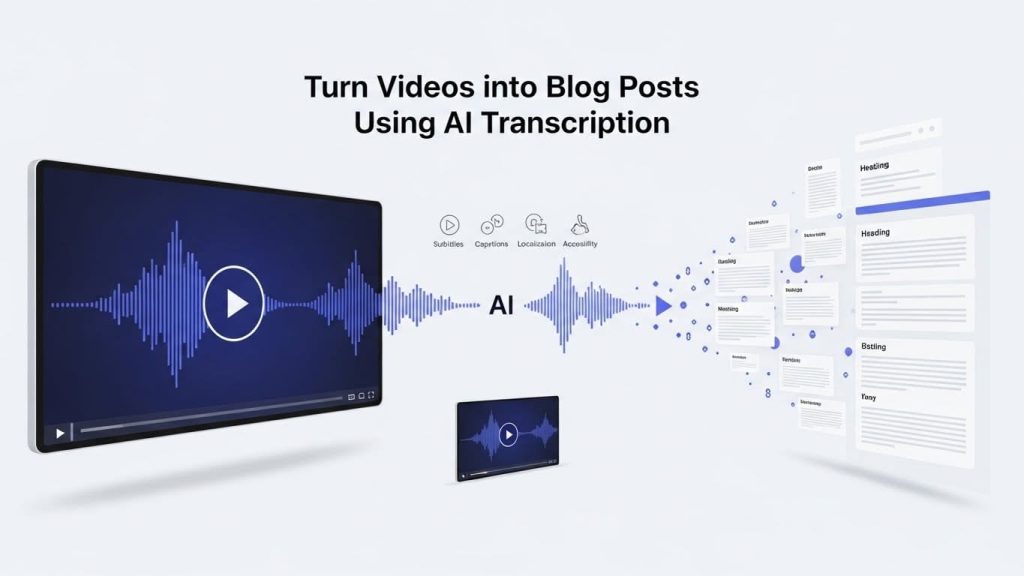
- Content repurposing
- SEO blog creation
- Video captions
- Accessibility compliance
- Knowledge management
Creators turn:
🎙 Podcast episodes
🎥 YouTube videos
🎤 Webinars
Into:
📝 Blogs
📱 Social posts
📧 Email newsletters
And that workflow starts with reliable transcription.
Where TrulyScribe Fits In
For creators, professionals, and teams who need:
- Accurate AI transcription
- Multi-speaker support
- Long-form audio handling
- Clean editing experience
- Flexible export options
TrulyScribe provides a practical solution built for real-world workflows.
Instead of patching together multiple tools, it centralizes the transcription process.
Final Thoughts
The “best AI transcription tool” depends on your use case.
But in 2026, the must-haves are clear:
✔ Accuracy
✔ Speaker labeling
✔ Long file stability
✔ Clean exports
✔ Reliable pricing
If transcription is part of your content, research, or business workflow — choosing the right platform can save hours every week.
FAQs – Best AI Transcription Tools in 2026
What is the best AI transcription tool in 2026?
The best AI transcription tool depends on your needs. For interviews and multi-speaker audio, look for strong speaker labeling. For long meetings, choose tools that support large files without limits. Accuracy, editing features, and export options are key factors.
Are there any truly free AI transcription tools?
Yes, some AI transcription tools offer free tiers, but they often limit minutes, file size, or features. Free options work for short recordings, but professionals usually need scalable paid plans for consistent quality.
Which AI transcription tool is best for interviews?
For interviews, choose software that provides accurate speaker identification, clean formatting, and easy editing. Multi-speaker support is essential for journalist or research workflows.
What AI tool handles long audio recordings best?
Tools designed for long-form content — such as webinars, podcasts, and lectures — should support large file uploads and stable processing without cutting off audio.
How accurate are AI transcription tools in 2026?
Modern AI transcription tools can reach high accuracy with clear audio. However, background noise, accents, and overlapping speech can affect results. Editing tools help refine transcripts quickly.
Do AI transcription tools support multiple speakers?
Yes. Many modern transcription platforms include speaker diarization, which automatically detects and labels different speakers in conversations.
What is speaker diarization in transcription?
Speaker diarization is the ability of transcription software to identify and separate multiple speakers within an audio file, labeling them clearly in the transcript.
Can AI transcription tools export transcripts in different formats?
Most professional tools allow exports in formats like TXT, DOCX, PDF, and SRT, making it easier to repurpose transcripts for blogs, captions, or documentation.
Is AI transcription good enough for professional use?
Yes, many creators, researchers, and businesses rely on AI transcription for daily workflows. For high-stakes content, transcripts can be quickly reviewed and edited for near-perfect accuracy.
How do I choose the right AI transcription software?
Choose based on:
– Your audio length
– Number of speakers
– Required accuracy
– Editing features
– Budget and scalability
Matching the tool to your use case is more important than picking the most popular option